Pick a ZIP.
Know the next step.
Import a compatible AnyKernel package, review the device and recovery plan, then run its original installer. Receiving a ZIP never starts flashing.
Choose ZIPReviewInstall
Read the operation guide  BoltKERNEL COCKPIT
Meet Bolt. A focused kernel flasher with room for your originals, your next step, and every line from your installer.
Cockpit preview · Root required · Android 7.0+
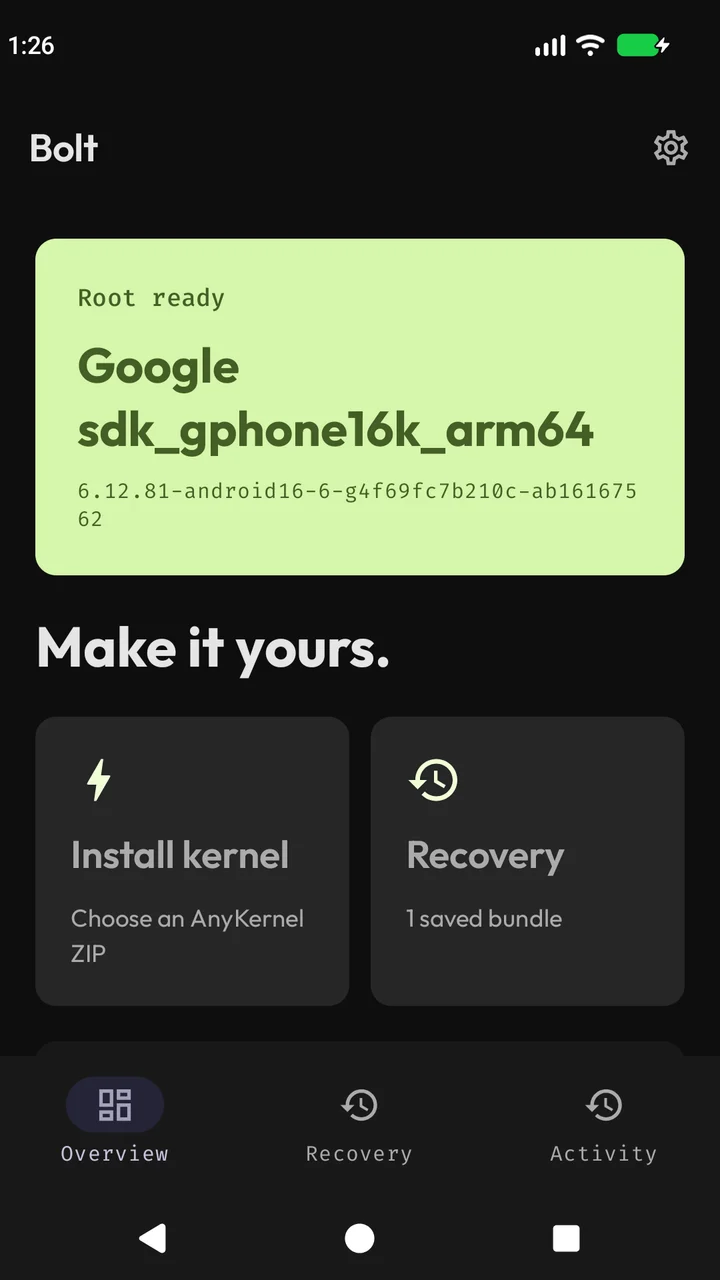
Kernel work deserves a clear interface. Bolt brings installation, recovery and activity together, with the details there when you need them.
Import a compatible AnyKernel package, review the device and recovery plan, then run its original installer. Receiving a ZIP never starts flashing.
Automatic snapshots become compact recovery bundles. Open one to inspect its images, then review a manifest-checked restore.
Example inventory. Available targets depend on your device.
Readable logs show the kernel provider’s messages and artwork. Keep the raw view and export the original log for troubleshooting.
Checking compatibility…
Preparing original images…
Your provider’s messages, here.
Illustrative provider output
Real screens from the current Android app. Select an image to see it full size.
Upcoming release preview. Captured on a rooted emulator with a sample recovery bundle and sample log. No kernel was flashed for these screenshots.
Device identity, root status and the next step in one place.
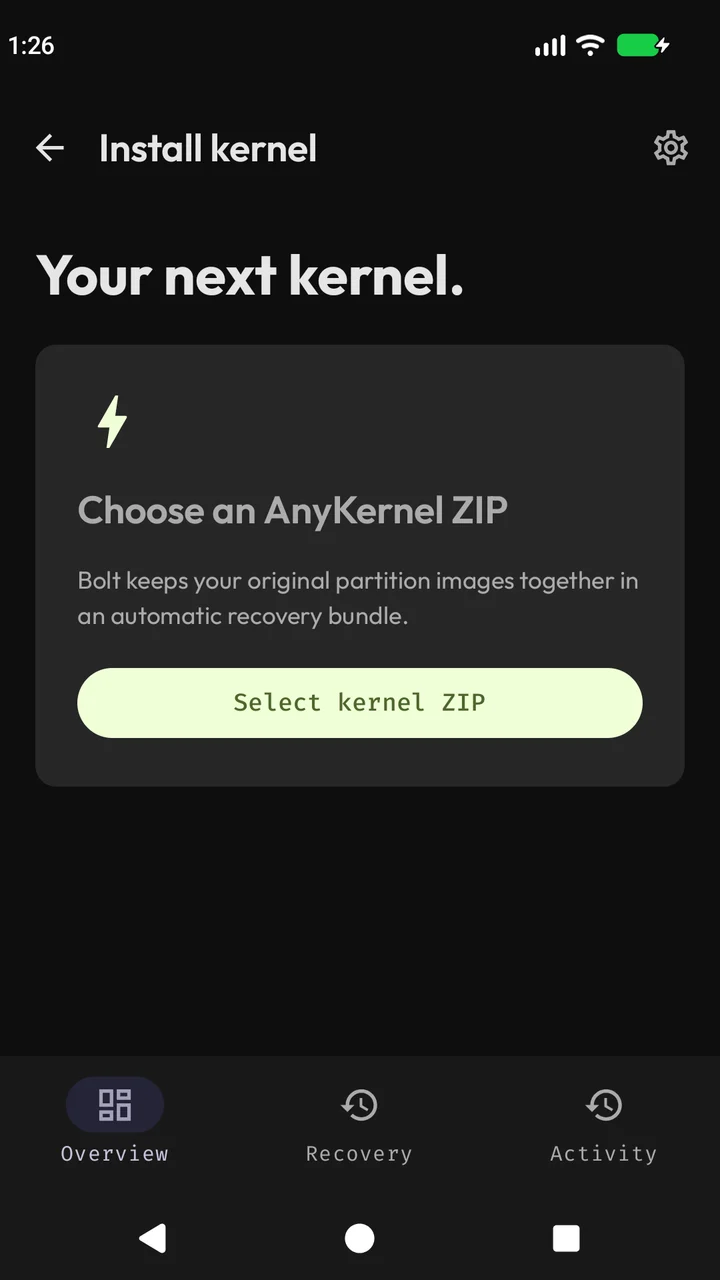
A dedicated install flow for compatible AnyKernel ZIPs.
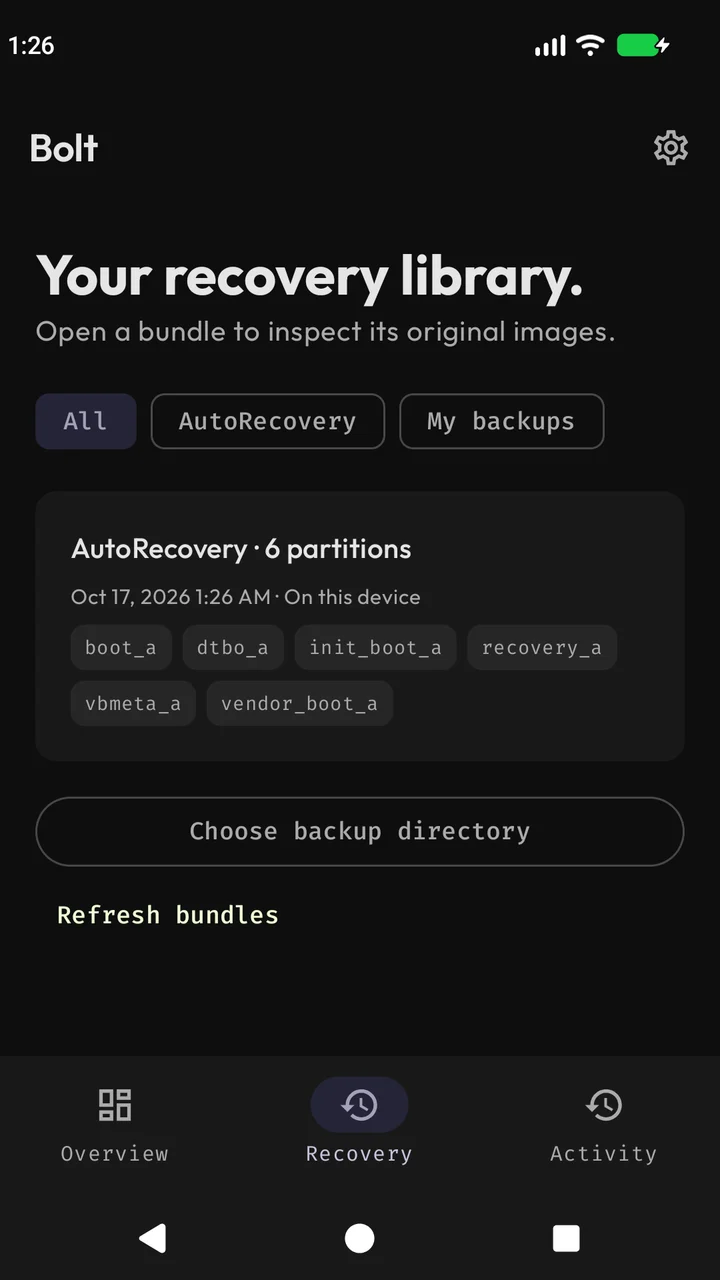
Compact recovery cards keep the library easy to scan.
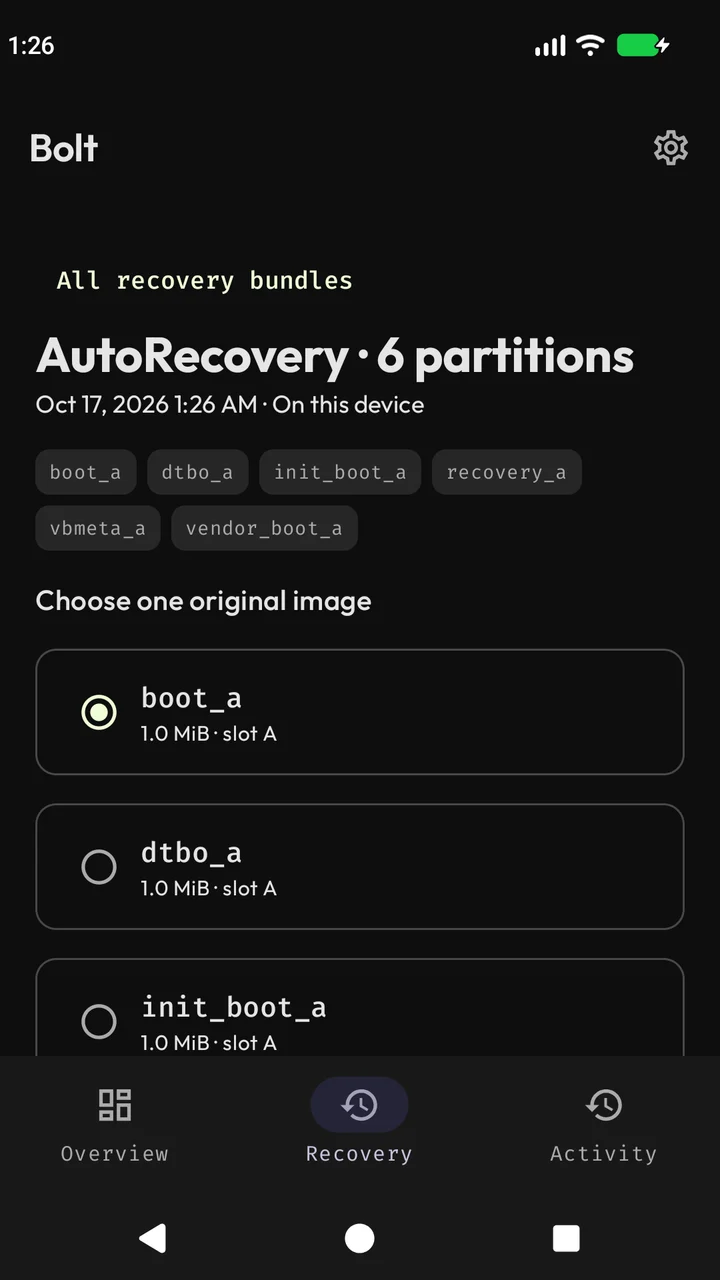
Open a bundle to choose an image before reviewing a restore.
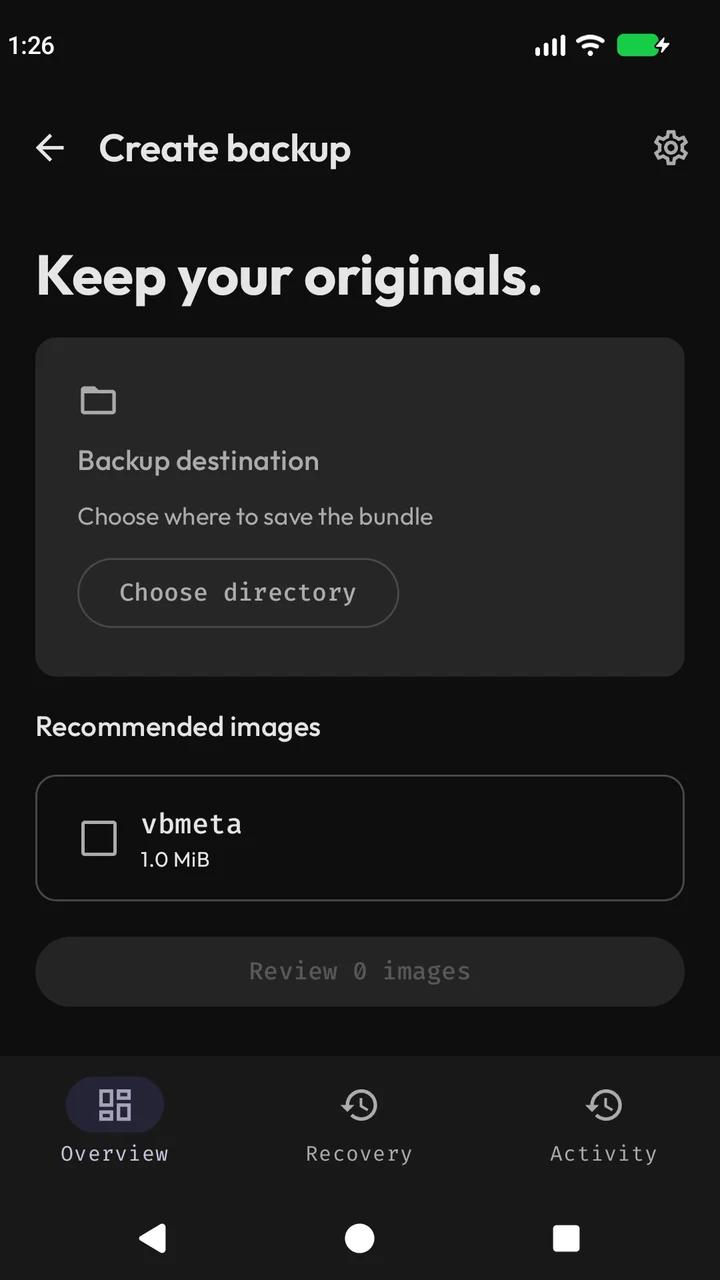
Choose your directory and images for a manual backup.
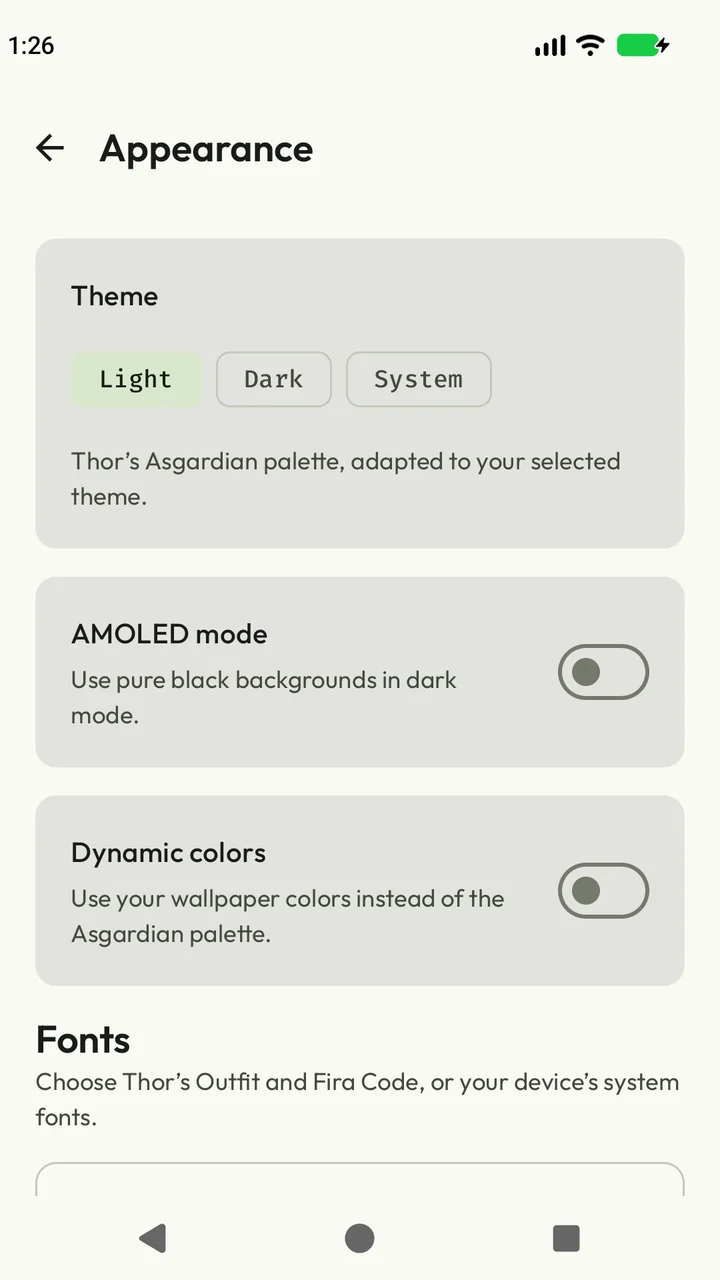
Light, dark, system and wallpaper colors. Your choice.
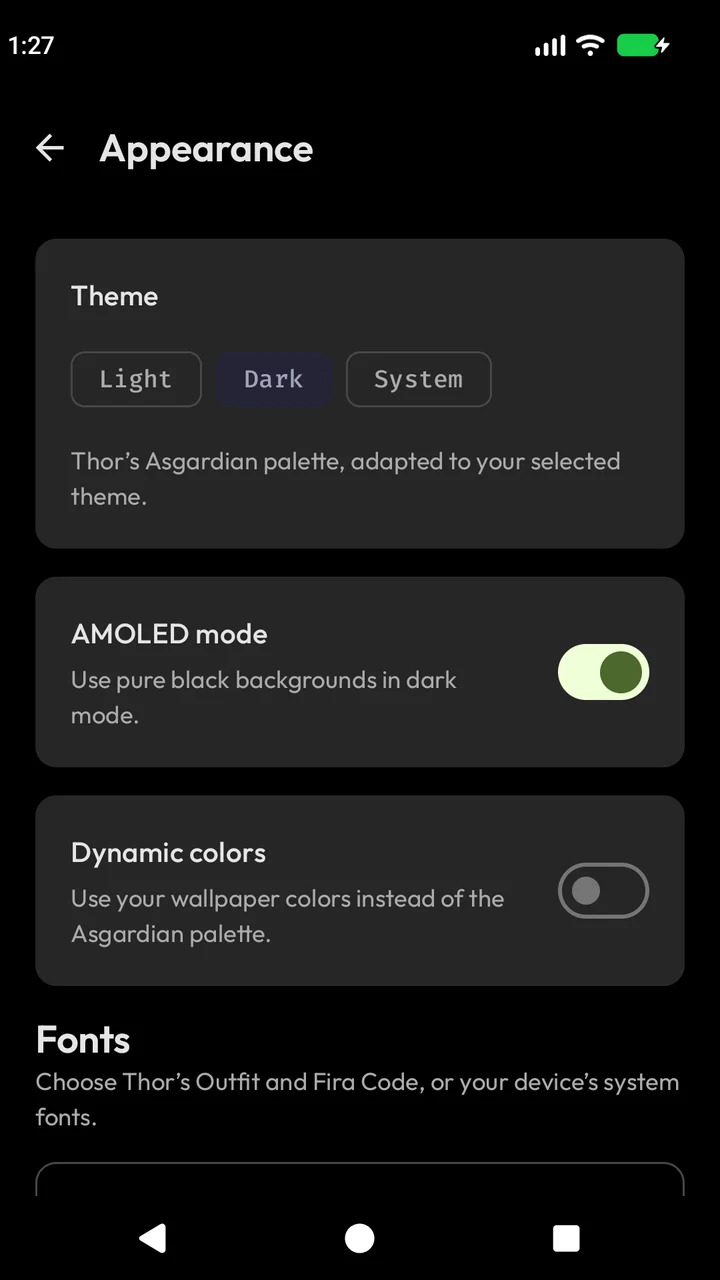
AMOLED backgrounds, Outfit type and a system-font option.
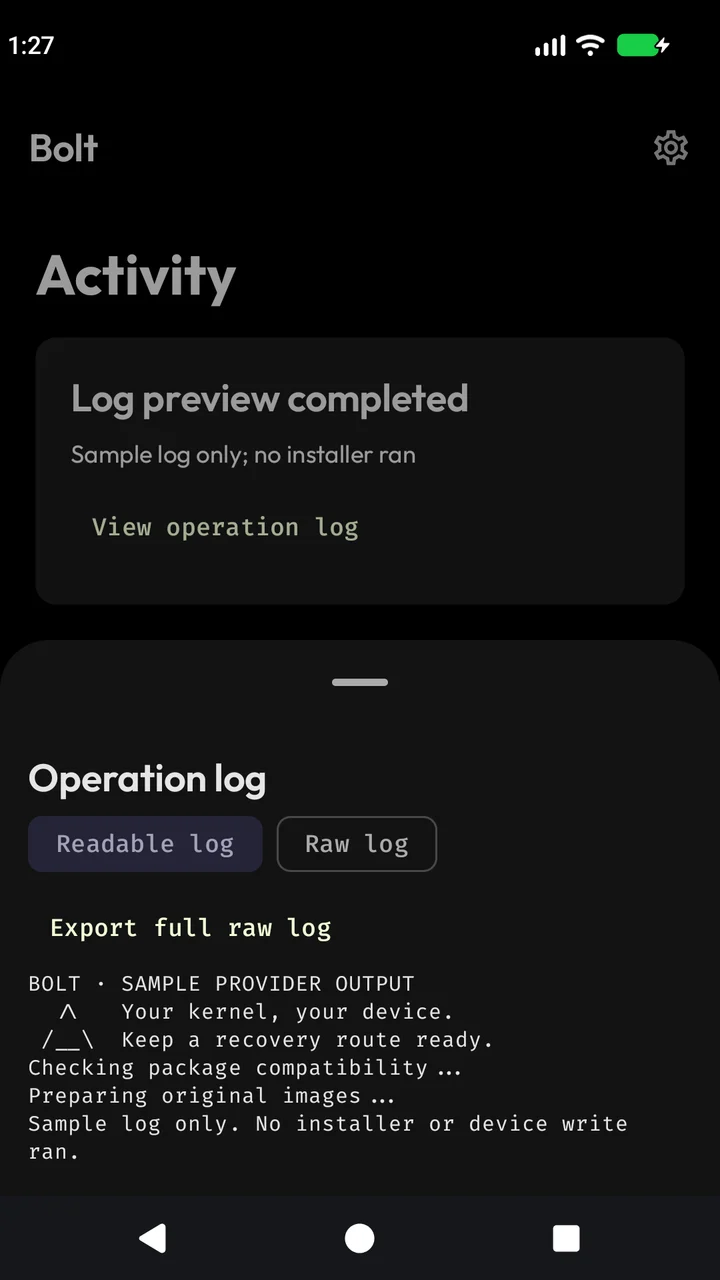
Readable provider messages, with raw output one tap away.
Outfit for the words. Fira Code for the details. The same Asgardian family as Thor, with light, dark, AMOLED and system-font settings inside Bolt.
Explore appearance settingsKernel flashing can cause a bootloop or data loss. Use a trusted package built for your device and keep off-device backups and a working recovery route. Automatic snapshots cover discovered targets; they cannot cover every change a root installer may make.
Device validation and current limitsGet Bolt directly from GitHub. Android 7.0 or newer, root access, and a kernel package compatible with your device.
The latest published APK is available on GitHub.
View latest releaseScreenshots preview the upcoming Cockpit release. Check the release notes for what is included in the published APK.
Install the APK, allow installation from your chosen browser or file manager when Android asks, then grant Bolt root access in your root manager.
Android 7.0 or newer, working root access and an AnyKernel ZIP intended for your exact device and firmware. Bolt requires a discovered boot, init_boot or recovery target before installing. Keep an off-device backup and a recovery method you know how to use.
No. Bolt snapshots the supported active-slot and shared partitions it discovers before running the installer. A kernel script can change other partitions or files. Private snapshots are lost if you clear app data or uninstall Bolt; keep additional copies outside the app.
Installer completion, a detected device restart and your health feedback are separate records in the upcoming Cockpit. A zero exit code alone cannot prove bootability or kernel health.
These workflows are not implemented. Bolt currently supports script-based AnyKernel ZIPs with their original installer, plus manifest-based backup and restore.
Bolt is distributed through GitHub releases. Download an APK from the latest release and install it on your device. There is no Play Store listing.
The current published release is older than the Cockpit preview shown on this page. The download always follows GitHub’s latest stable release. Read its release notes to see which features are included.